TL;DR
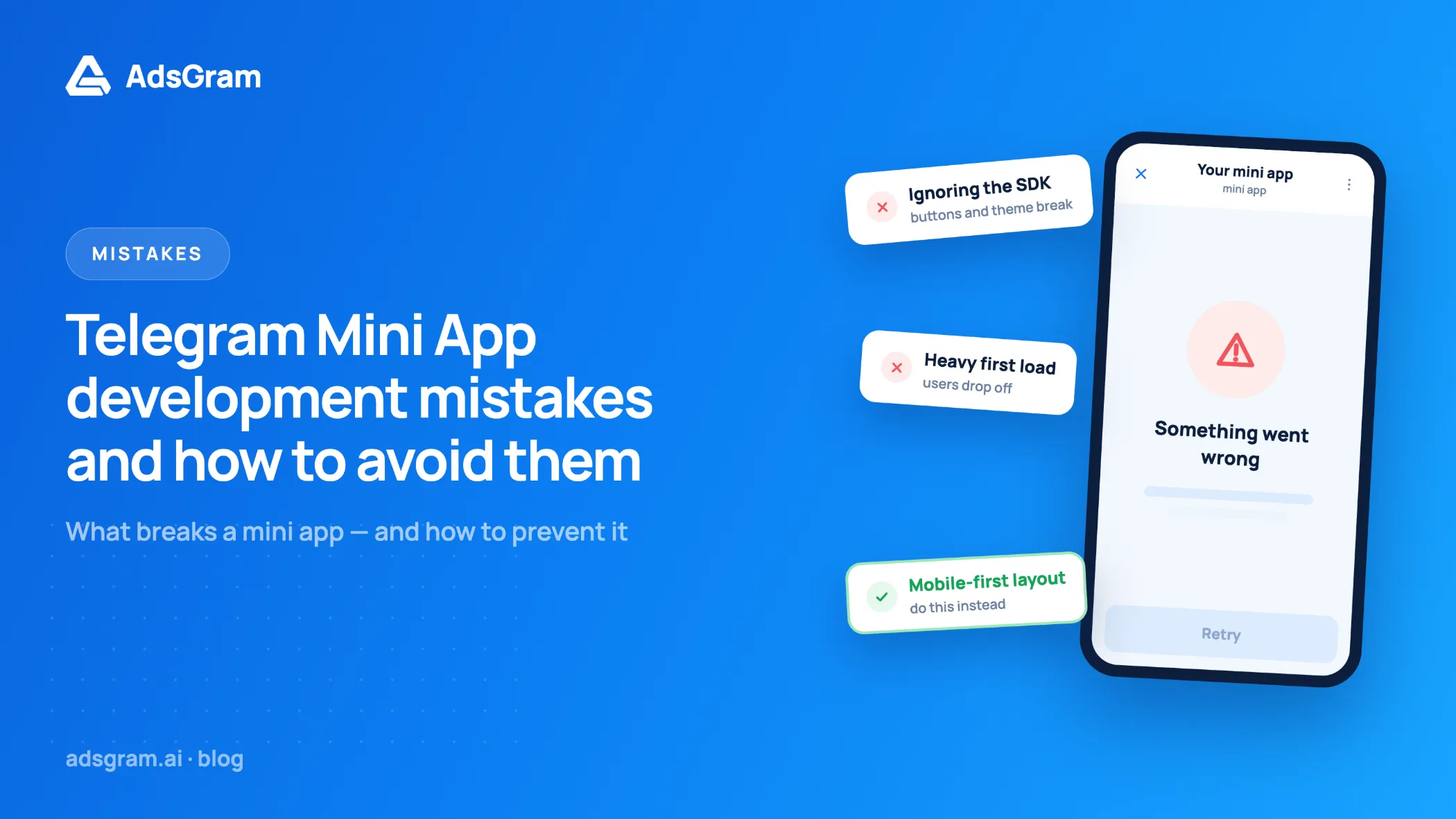
- Most Telegram Mini App development mistakes come from treating the Mini App as a normal website instead of a WebView running inside five different Telegram clients.
- The most important fix is checking
initDataon your server and rejecting old payloads byauth_date;initDataUnsafemust never be trusted for authorization. - Layout bugs usually trace back to
100vhand missing safe area insets, not to CSS frameworks. - Bot API 10.2 (14 July 2026) blocks Mini App methods called from an origin other than the Mini App's own domain, so iframe-based and multi-domain setups break unless the flow is redesigned.
- Monetization errors are just as costly as code errors: ads placed before the first moment of value,
debug: trueshipped to production, and client-only reward logic all reduce revenue or invite fraud.
This article walks through the errors that appear most often in production Mini Apps — authorization, viewport, storage, versioning, launch parameters, and monetization — and gives the concrete fix for each, with the exact method names and Bot API versions involved. At the end there is a diagnosis table and a pre-release checklist you can run before every deploy.
Why Telegram Mini App development mistakes happen
A Mini App runs inside an app you do not control. That creates three limits, and nearly every bug below comes from one of them.
- The client is not a browser. Telegram's WebView on iOS behaves differently from Android's, and both differ from Telegram Desktop. Storage, keyboard handling, and gestures are where they differ most.
- Each client supports a different API version. A user on an old Telegram build does not have the method you called, and there is no polyfill.
- Telegram owns the interface around you. The header, the bottom bar, the swipe-to-close gesture, and the safe area belong to Telegram, so your layout has to work around them.
Reading the official Telegram Mini Apps documentation once is not enough — the Bot API changelog is where breaking changes land, and it moved several times in 2026 alone.
Security and init data mistakes
The single most common security error is treating data that arrives from the client as proof of identity. Telegram gives you a signed payload; verification is your job.
1. Trusting initDataUnsafe without checking the signature
initData is the raw, signed launch payload Telegram passes to a Mini App; initDataUnsafe is the same data already parsed for convenience. The word Unsafe in the name is a warning, not a label. Telegram's documentation states plainly that data must be validated before it is used on the bot's server.
How to avoid it: send the raw initData string to your backend and verify it there. Build the data-check string from all key–value pairs except hash, sorted alphabetically and joined with newlines; derive a secret key with HMAC-SHA256(bot_token, "WebAppData"); compute HMAC-SHA256(data_check_string, secret_key); compare with hash in constant time. Never send the bot token to the client, and never accept a user ID that arrives as a plain request parameter.
If a third party needs to verify a launch without holding your bot token, use the Ed25519 signature path described in the Telegram Mini Apps init data reference. One recurring implementation trap there: the signature is base64url-encoded without padding, so several languages require you to restore the = characters before decoding.
2. Not checking how old auth_date is
A valid signature proves the payload came from Telegram, not that it arrived a moment ago. Without an expiration check, a captured initData string works forever.
How to avoid it: reject any payload whose auth_date is older than a fixed window — 24 hours is a common default, and shorter windows are appropriate for apps that move money or in-app currency. Exchange the validated payload once for your own session token, and authenticate every later request with that token.
3. Keeping session tokens in localStorage
localStorage is unreliable inside Telegram's WebView. Practitioners writing about production Mini Apps report that on iOS and some Linux desktop builds it may not persist at all, so a restart can clear it, taking the session with it.
How to avoid it: pick storage by purpose rather than by habit.
Storage | Where data lives | Good for | Limits |
|---|---|---|---|
| WebView, per client | Throwaway UI state | May be wiped on iOS and some desktop builds |
| Telegram cloud, per user per bot | Settings that follow the user across devices | 1024 items per user, keys 1–128 chars, values up to 4096 chars |
| Device, persistent | Device-scoped cache and preferences | Not synced between devices |
| Device, secure area | Sensitive local values | Not synced; availability depends on client version |
Your backend | Your server | Sessions, balances, entitlements | Requires validated |
Anything that decides what a user owns or earns belongs on your server.
4. Calling Mini App methods from a different domain
This one is new and it broke working apps. Bot API 10.2, released on 14 July 2026, hardened Mini App security by disallowing the use of Mini App methods from origins different from the original Mini App domain.
How to avoid it: keep every screen that calls Telegram.WebApp methods on the domain registered for the Mini App. If part of your flow lives on a payment provider, a partner's page, or an embedded iframe, move the Telegram API calls back to your own origin and pass results between contexts through your backend. Test the full flow on an up-to-date client before you assume it still works.
Layout and viewport mistakes
Viewport bugs are the most visible category — a cut-off CTA is noticed immediately — and the most preventable.
1. Using 100vh instead of the Telegram viewport height
On mobile, a Mini App opens as a bottom sheet that the user can drag. 100vh refers to a browser viewport that does not match the visible area, so content ends up under the fold or under Telegram's own UI.
How to avoid it: call expand() on start, then size your layout from viewportHeight and viewportStableHeight. Use viewportStableHeight for anything that must not jump — the value ignores transitional states during drag and keyboard animations, while viewportHeight updates continuously. Subscribe to the viewport change event and re-render only on stable values.
2. Ignoring safe area insets
Bot API 8.0 introduced two distinct inset objects, and mixing them up is common. safeAreaInset describes system areas such as the notch and the home indicator. contentSafeAreaInset describes the space occupied by Telegram's own interface elements.
How to avoid it: apply both. System insets protect against hardware cutouts; content insets keep your header away from Telegram's header. In fullscreen mode — added in the same Mini Apps 2.0 release — insets matter more, not less, because Telegram no longer reserves that space for you.
3. Leaving vertical swipes on in games
A downward swipe inside your app can close the Mini App instead of scrolling your content. In games and drag-based interfaces, users think the app crashed.
How to avoid it: call disableVerticalSwipes() (Bot API 7.7+) on screens with custom gestures and re-enable it where standard scrolling is expected. Pair it with enableClosingConfirmation() (Bot API 6.2+) on any screen with unsaved input.
4. Building a custom back button
Your own back arrow competes with Telegram navigation and with the Android hardware back button. Users get two back controls that behave differently.
How to avoid it: use BackButton (Bot API 6.1+), bind it to your router, and show or hide it as routes change. Keep one navigation stack, not two.
Performance mistakes on real devices
Most Mini App traffic comes from mid-range and budget Android phones. The session starts with a tap in a chat, so users expect it to open as fast as a message.
- A heavy first bundle. Split routes, defer everything not needed for the first screen, and treat the initial payload as the primary performance metric.
- Depending on SSR. Telegram APIs require
window, so server-side rendering cannot access them. Next.js projects hit this on the first Telegram call inside a server component; keep Telegram-dependent logic in client components and render a skeleton until the SDK is ready. - Animations budget devices cannot render. Complex animations degrade sharply on low-end hardware inside a WebView. Animate
transformandopacityonly, and reduce effects when frame drops appear. - No loading state. Telegram lets developers customize the Mini App loading screen; a first paint that shows a skeleton instead of white space measurably reduces early exits.
Version and platform mistakes
Calling a method that a user's Telegram build does not support fails silently or throws, and both outcomes look like a broken app. The fix is a version floor plus explicit gating.
How to avoid it: decide the minimum Bot API version your app supports, gate everything above that floor with isVersionAtLeast() (Bot API 6.1+), and ship a working fallback for each gated feature.
Feature | Method / field | Bot API | Fallback if unavailable |
|---|---|---|---|
Back navigation |
| 6.1 | In-app header button |
Closing confirmation |
| 6.2 | Autosave drafts |
Cloud settings |
| 6.9 | Server-side settings |
Swipe control |
| 7.7 | Restrict drag zones |
Fullscreen |
| 8.0 | Expanded mode |
Safe area |
| 8.0 | Static padding |
Local persistence |
| 9.0 | Server session |
Chat picker |
| 9.6 | Share link |
Testing only in Telegram Web hides most of these problems. Run the release candidate on iOS, Android, and at least one desktop client. For on-device debugging, Chrome DevTools covers Android and Safari Web Inspector covers iOS; when neither is available, an in-app console such as Eruda makes runtime errors visible without a cable.
Startapp and deep link mistakes
Mini Apps receive a single launch parameter, startapp, and teams often design a deep link scheme that assumes more.
How to avoid it: encode multiple values into one startapp string with a delimiter you control — ref__campaign__level is a common pattern — and parse it on the client after validation. Read the parameter from validated initData on the server before you attribute a referral or grant a bonus, because a launch parameter on its own is easy to fake. Deep link handling that skips this step is a frequent source of referral fraud in Telegram Mini Apps.
Ad integration mistakes
Ad integration is where solid code often meets weak product decisions. These errors do not crash the app — they lower eCPM, break rewards, or fail moderation. If you are choosing an approach, our introduction to Telegram Mini Apps and monetization opportunities covers the formats available before you write any integration code.
1. Showing an ad too early
An interstitial on the first screen is the fastest way to lose a user you just paid to acquire. They have not seen the product yet, so there is nothing to interrupt.
How to avoid it: map the moments where the user has completed something — a level, a task, a claim — and place ads at those boundaries. Rewarded formats work best when the reward is something the user already wants: an extra life, a speed-up, a bonus balance.
2. Leaving debug mode on in production
The AdsGram SDK accepts a debug flag that serves test ads and prints logs. AdsGram documentation is explicit that it must be removed or set to false for release. Test impressions generate no statistics and do not trigger reward callbacks, so a shipped debug: true produces an app that looks fine and earns nothing.
3. Calling init() on every ad show
window.Adsgram.init({ blockId }) returns an AdController. AdsGram documentation notes that initialization happens once per blockId and repeated calls return the same controller instance.
How to avoid it: create the controller once at app start, hold the reference, and call show() at each placement. A typical rewarded integration looks like this:
<script src="https://sad.adsgram.ai/js/sad.min.js"></script>
const AdController = window.Adsgram.init({ blockId: "your-block-id" });
AdController.show()
.then(() => {
// ad watched to the end — ask your backend to grant the reward
})
.catch((result) => {
// ad failed or was closed early — do not grant anything
console.warn(result);
});
4. Not handling show() errors
show() rejects when the ad cannot be played or the user leaves early. An integration with no catch() either grants rewards it should not or leaves the user stuck on a loading state.
How to avoid it: handle the rejection path explicitly and subscribe to the SDK events — onStart, onSkip, onReward, onComplete, onError, onBannerNotFound, onNonStopShow, onTooLongSession. onBannerNotFound is the one to watch during launch: it usually means fill is low for that geo or block, not that the code is wrong. Always keep a non-ad path to the reward or the next screen so a missing ad never becomes a dead end.
5. Giving the reward on the client only
If the reward is written by client code, it can be replayed. This is the same class of error as trusting initDataUnsafe.
How to avoid it: grant rewards through your backend. AdsGram also offers a server-to-server postback for larger publishers: apps above 50,000 daily average users can configure a reward URL, and AdsGram sends a GET request containing the user's telegramId after the client-side reward. The endpoint must accept HTTPS GET on port 443 and include a [userId] placeholder, for example https://example.com/reward?userid=[userId]. The postback does not fire in debug mode.
6. Placing ads where users cannot see them
Placement rules are about visibility, not design. On the AdsGram platform an impression is counted after two seconds of continuous viewing with the block at least 50% visible.
How to avoid it: never render an ad block inside a collapsed, off-screen, or zero-height container, do not stack blocks in the same screen area, and do not trigger a show while the Mini App is minimized. AdsGram allows up to 10 ad blocks per application, which is enough to separate placements by context — one for level completion, one for daily bonus, one for the task wall — instead of firing the same block everywhere.
Launch and moderation mistakes
Most rejections happen because the app is unfinished, not because it breaks a rule. On the AdsGram platform, a Mini App must be available and working correctly during moderation, which is normally completed within 4–6 hours on weekdays and 6–10 hours on weekends.
Common launch-stage errors:
- Submitting a build that is behind a login wall or a whitelist, so moderators see an error screen.
- Broken flows on one platform only, most often iOS keyboard handling or desktop layout.
- Payout expectations set without reading the rules: AdsGram pays in USDT on the TON network by default, with USDT TRC20 and fiat transfers available, a $100 minimum withdrawal, and processing within 24 hours on weekdays and up to 48 hours on weekends.
- No analytics on the ad funnel, which makes it impossible to tell low fill from a broken placement. If you are comparing networks before integrating, our AdsGram vs Monetag comparison sets out what to measure.
Symptom and cause table
Symptom | Likely cause | What to check |
|---|---|---|
Blank screen on iOS only |
| Move session to backend; check init flow |
"Unable to retrieve launch parameters" | App opened outside Telegram | Environment check plus mock env for local dev |
Button hidden under the notch | Safe area insets not applied |
|
Layout jumps when the keyboard opens | Sized from | Switch to |
App closes during a drag gesture | Vertical swipes enabled |
|
Method throws on some devices | Client below the version floor |
|
Telegram API stopped working after an update | Call made from a non-original origin | Bot API 10.2 origin restriction |
Ads show but statistics stay at zero | Debug mode in production |
|
Impressions far below shows | Block hidden or below viewability | 2s continuous view, 50% visibility |
Rewards granted without a watched ad | Client-side reward logic | Move to backend, add S2S reward URL |
Fixing these before launch costs less than tracking them down through support tickets, and it is what separates a Mini App that just works from one that keeps users and earns. When the technical base is stable, Telegram Mini Apps monetization becomes a configuration task rather than a rescue operation — and the deeper background on formats and demand is in our overview of Telegram Mini Apps monetization and advertising potential.
FAQ
- Why is my Telegram Mini App not opening?
The usual causes are a failed init, an unhandled error before first render, or a session lost with client storage. Check that the app URL is reachable over HTTPS, that the SDK is ready before any Telegram API call, and that no code depends onlocalStoragesurviving a restart. If it opens on Android but not iOS, test the same build with Safari Web Inspector. - How do I open and test a Telegram Mini App in a browser?
Outside Telegram there are no launch parameters, so the SDK reports it cannot retrieve them. For local work, run an environment check and mock the Telegram environment so the app renders in a normal browser. Expose your dev server through a tunnel such as a VS Code dev tunnel or ngrok, set that HTTPS URL in BotFather, and open the app from the bot. - How do I validate init data in a Telegram Mini App?
Send the rawinitDatastring to your backend. Build the data-check string from all key–value pairs excepthash, sorted alphabetically and joined with newlines, derive a secret withHMAC-SHA256(bot_token, "WebAppData"), computeHMAC-SHA256(data_check_string, secret)and compare it withhash. Reject payloads whoseauth_dateis outside your freshness window, then issue your own session token. - How do I debug a Telegram Mini App on iOS and Android?
Use Chrome DevTools with USB remote debugging for Android and Safari Web Inspector for iOS. When neither is available — a tester's phone, a build on someone else's device — embed an in-app console such as Eruda so runtime errors are visible without a cable. Reproduce every bug on a real Telegram client, since Telegram Web hides most WebView-specific behavior. - Can I use localStorage in a Telegram Mini App?
Inside Telegram's WebView,localStoragemay not persist on iOS and some desktop builds, so a restart can clear it. UseCloudStoragefor user settings that should follow the account,DeviceStorageorSecureStoragefrom Bot API 9.0 for local persistence, and your own backend for sessions, balances, and any entitlement. - Does Bot API 10.2 break existing Mini Apps?
It can. Bot API 10.2, released on 14 July 2026, disallows the use of Mini App methods from origins other than the Mini App's original domain. Apps that callTelegram.WebAppmethods from an embedded iframe, a partner page, or a secondary domain will see those calls fail on updated clients. Keep all Telegram API calls on the registered domain and exchange data with third parties through your backend.